
IPTV Smarters Pro is available on, among others:
Android devices with Google Play Store (removed since 2022, but still installable via alternative methods).
iOS devices (iPhone / iPad / iMac). Windows devices.
Step 1
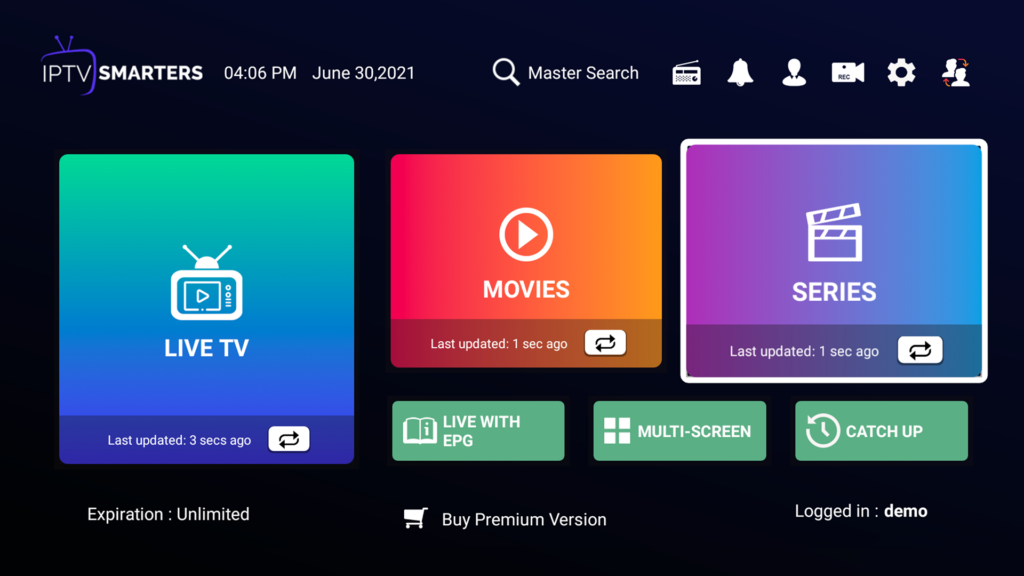
Installing IPTV Smarters is simple. First download the app.
Choose your platform:
Download and install the app.
If Smart TV doesn’t support it, use another compatible app.
Step 2
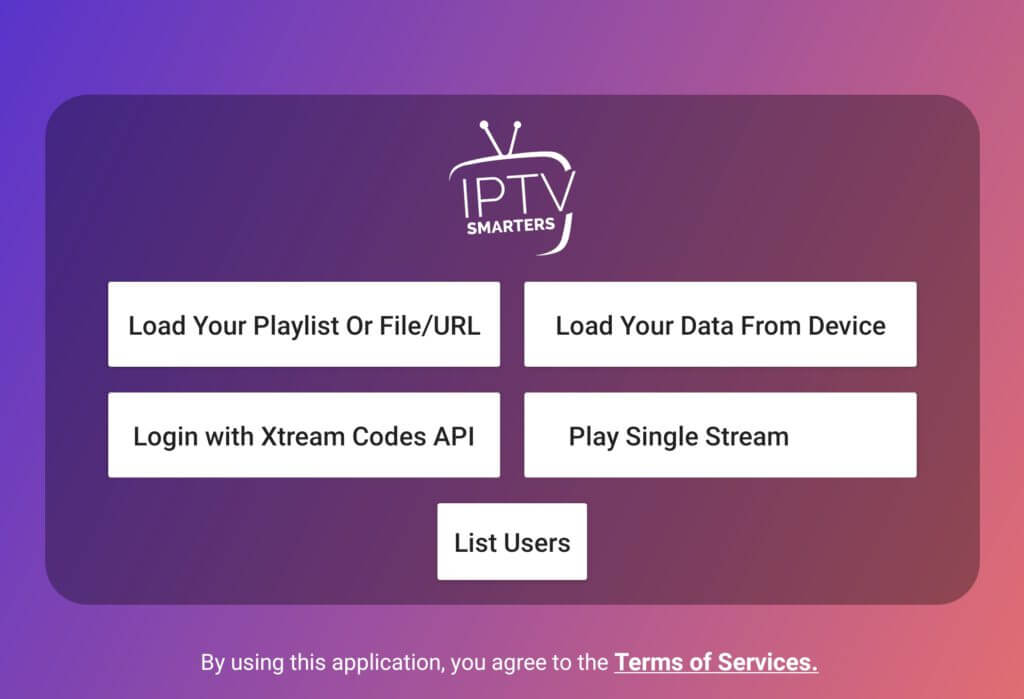
Choose one of the two options to add your playlist.
After purchase, you will receive login details. Use them here.
Step 3
If you choose “Load playlist or File/URL”, you will see the screen below.
If you choose “Xtream Codes API”, proceed to Step 4. 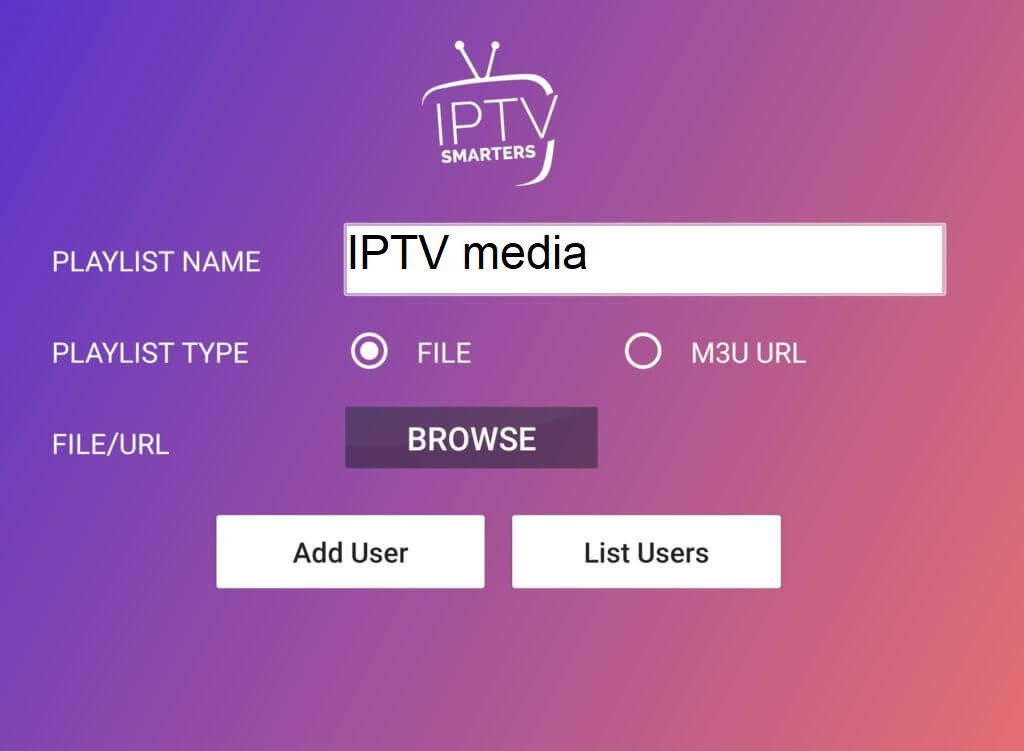
Upload your M3U file or paste your M3U URL.
Select “File” → browse and upload your file.
Click “Add user” when done.
Step 4
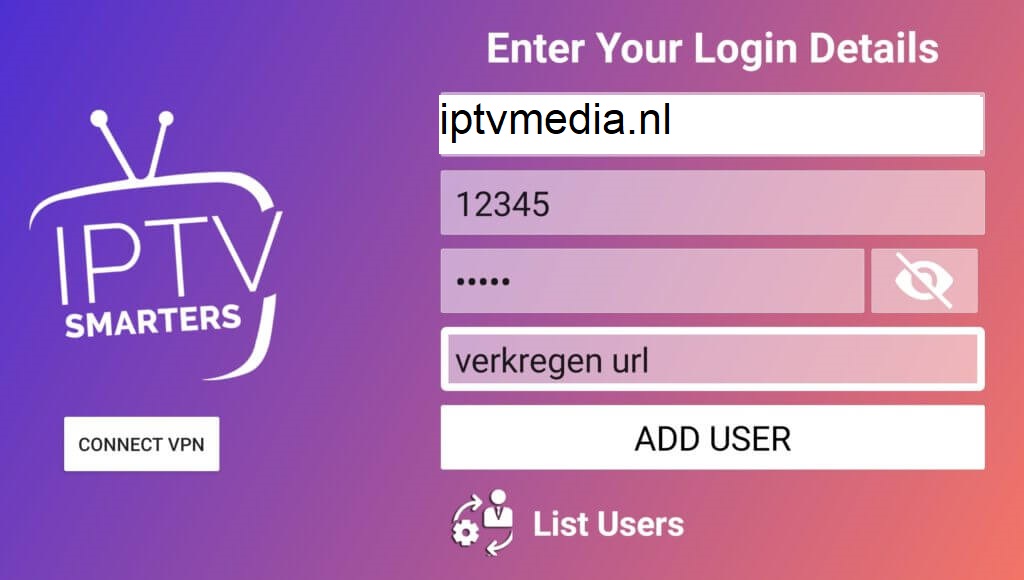
Enter the Xtream Codes API details provided to you.